Hampton Bay Landscape Lighting
Hampton Bay landscape lighting is a low voltage system: LED path lights and spotlights wired to a 200 or 300 W transformer that plugs in outside. Size the transformer, set it up the way the manual says, and fix lights that won’t come on.
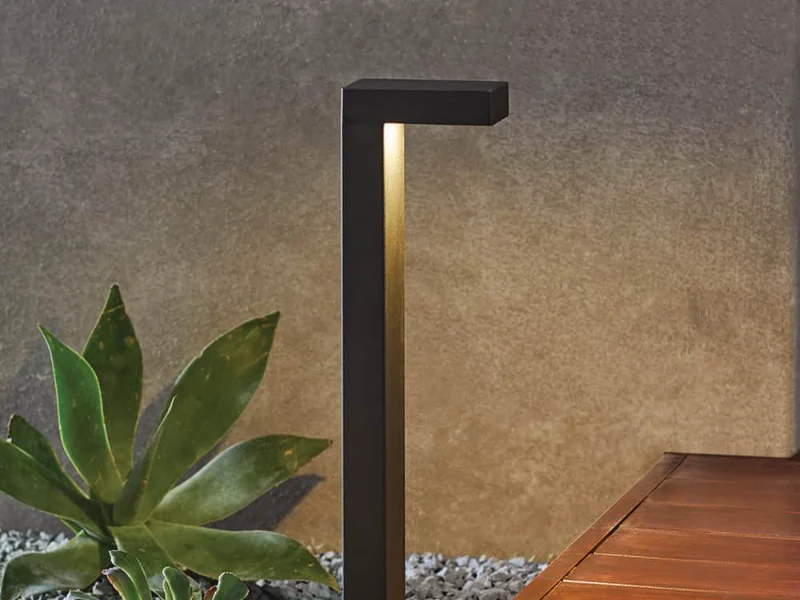
Hampton Bay low voltage lighting
Two transformers and two path lights from the current line. The lights run on either a 12 V or 15 V Hampton Bay transformer.
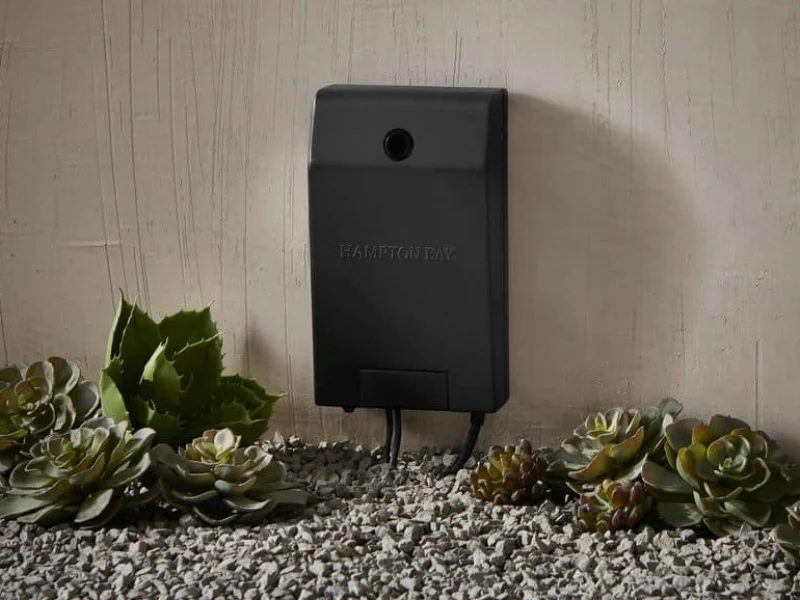
Smart 200 W
Runs from your phone.
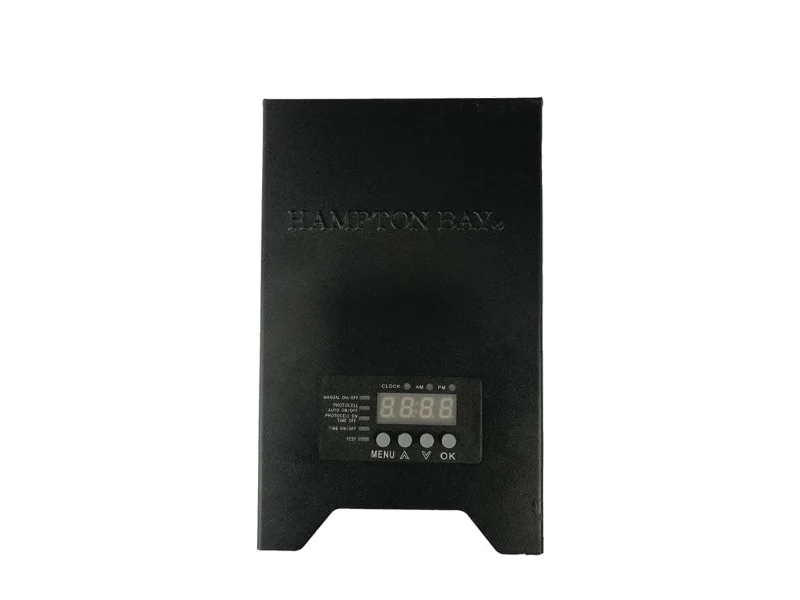
300 W digital
Display, timer and photocell.
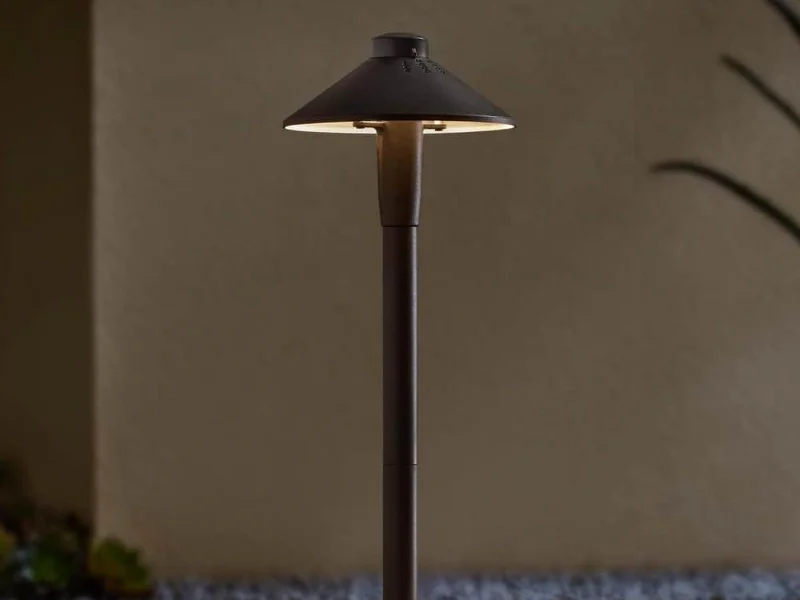
Clyde Park path
Pick warm, soft or daylight.
Jemison path
A slim modern post.
Both path lights list a 50,000 hour LED life and a cleated stake. The transformer is sold separately.
Which Hampton Bay transformer do you need?
Add up the watts of every light on the system. The total must not go over the transformer’s rating.
200 W transformer
Your lights total 50 W.
Where to find the watts
Each light lists its wattage on the box and the Home Depot page. The Clyde Park draws about 3 W, the Jemison 3.2 W.
Halogen bulbs draw far more than LED.
Light specsHampton Bay transformer setup
From the 300 W transformer manual. Unplug it before you wire anything.
Mount
On a wall
12 to 48 in. above the ground, at least 10 ft. from a pool, spa or fountain.
GFCI
Plug in direct
Into a GFCI wet-location outlet. No extension cords.
Wire
COM and 12 or 15 V
Strip 1/2 in. Use 16 gauge cable or heavier, with 10 ft. before the first light.
Dusk
Set the mode
Set the clock, then pick dusk to dawn, dusk to a set time, timer or manual.
Mount the photocell away from windows, porch lights and street lights. A shadier spot turns the lights on earlier. Hold OK for 3 seconds to reset to factory settings.
Hampton Bay landscape lights not working
The 300 W manual’s troubleshooting table, plus the smart transformer’s overload rule.
All lights out
Check the outlet has power, the transformer’s switch is on, and the cable is tight in the terminals. After a power outage, it may need a reset.
Smart 200 W: overload or a short cuts power; fix it, then press the button.
Setup stepsSome lights out
A connector’s barbs may not have pierced the cable. Reseat it. On older systems, check for burned-out halogen bulbs.
Old bulbs can be hot; let them cool.
Path lightsOn during the day
The photocell is sitting in too dark a spot. Move it somewhere that sees daylight.
Test mode lets you check it in daylight.
Photocell tipsNot on at dusk
The photocell sees too much light at night, from a porch light, window or street light. Move it.
Or switch to a timer mode instead.
Get the manualHampton Bay transformer manual
Use and care manuals for the current transformers, straight from Home Depot.
Older transformer? Search its model number on homedepot.com and open Info and Guides.
Hampton Bay landscape lighting questions
What size Hampton Bay transformer do I need?
Add the watts of every light. Up to 200 W fits the smart 200 W model; up to 300 W needs the 300 W model. More than that, split the lights across two.
How do I set up a Hampton Bay low voltage transformer?
The 300 W manual says: mount it 12 to 48 in. off the ground, plug it into a GFCI outlet, wire the cable to COM and the 12 V or 15 V terminal, set the clock and pick a mode.
Where is the Hampton Bay transformer manual PDF?
On the transformer’s Home Depot page under Info and Guides. The current models’ manuals are linked in the manual list above.
How does the Hampton Bay smart transformer work?
It connects over Wi-Fi and Bluetooth to the Hubspace app, with three zones, 12 V or 15 V output, dusk to dawn and timer settings, and Alexa or Google voice control.
Why are my Hampton Bay landscape lights on during the day?
The photocell is in a spot that’s too dark. Move it where it sees daylight, or use a timer mode.
Will Hampton Bay path lights work on another brand’s transformer?
The listings say they connect to a 12 V or 15 V Hampton Bay transformer or a compatible one, sold separately.
What warranty do Hampton Bay landscape lights have?
The current transformers list 2 years. The Clyde Park and Jemison path lights list 5 years.
How do I reset a Hampton Bay landscape transformer?
On the 300 W digital model, hold OK for 3 seconds to restore factory settings. It may also need a reset after a power outage.